v3.0.0 — Unified Bun core, iOS Live Activities & Widgets

MeticAI

Your AI Barista Coach for the Meticulous Espresso Machine

Meticulous Unleashed

Get Started

Everything You Need

From AI-powered profile creation to full machine control — MeticAI transforms how you brew.

AI Profile Creation

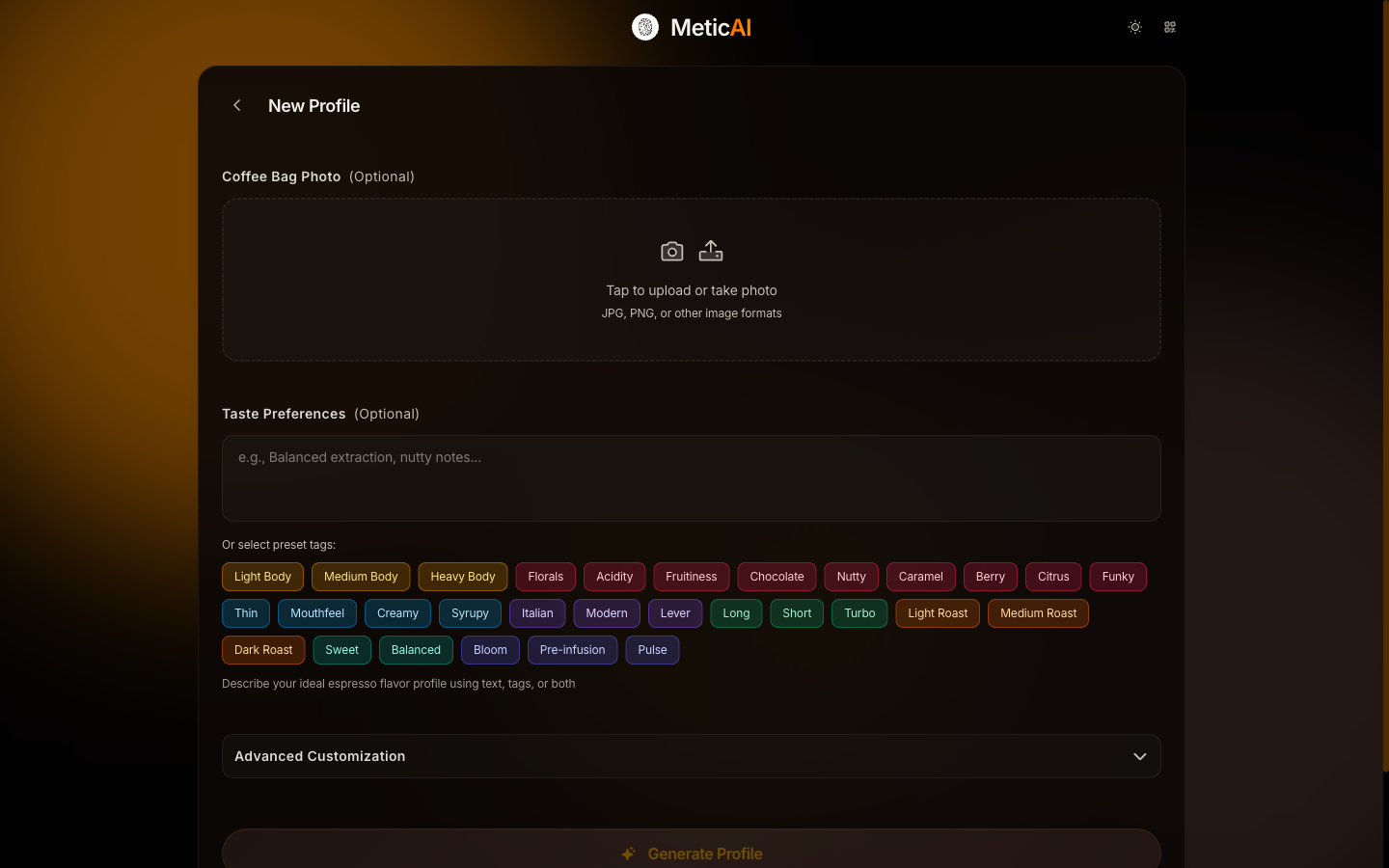
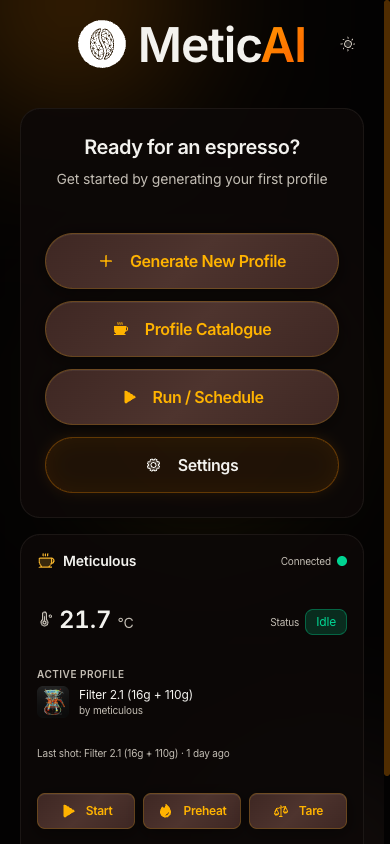
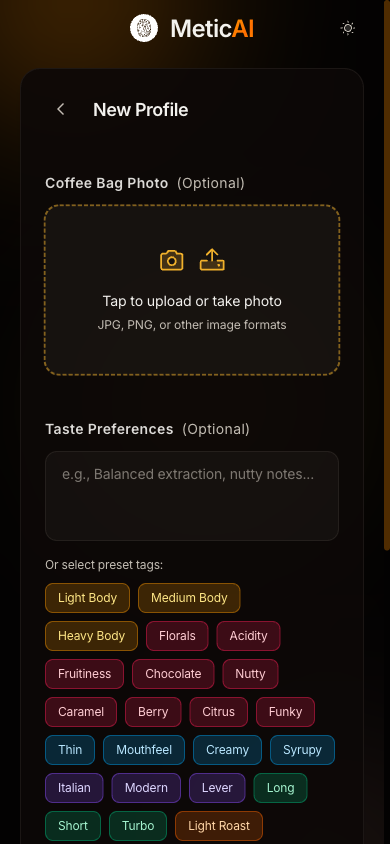
Snap a photo of your coffee bag or describe what you want. The AI creates a tailored espresso profile and uploads it to your machine — fully automatic.

Shot Analysis New

Dedicated shot analysis view with recent shots, by-profile grouping, and detailed pressure/flow/temperature curves.

AI Coaching

Get AI-powered coaching to improve your technique. Detailed analysis of every shot with actionable recommendations.

Profile Management New

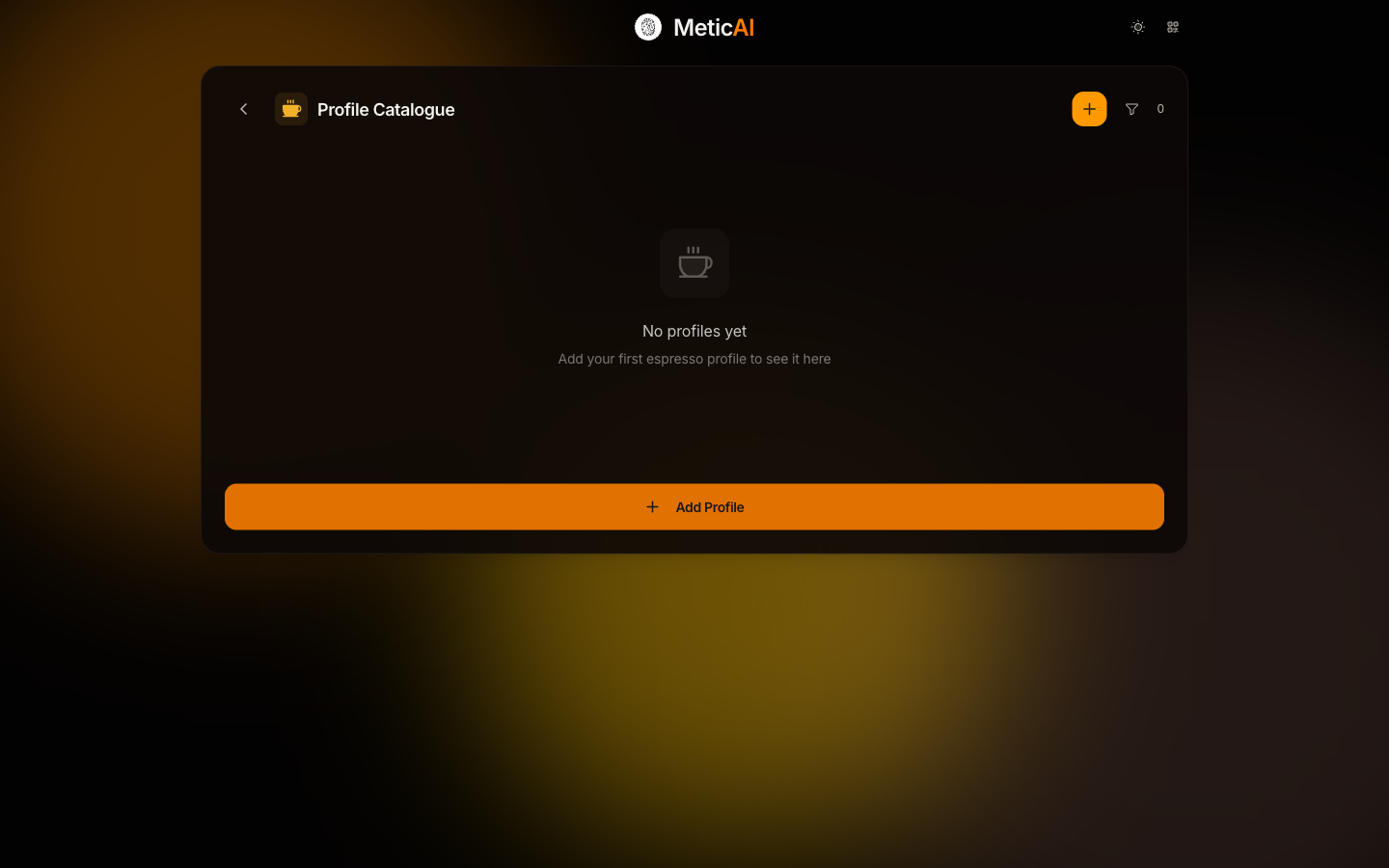
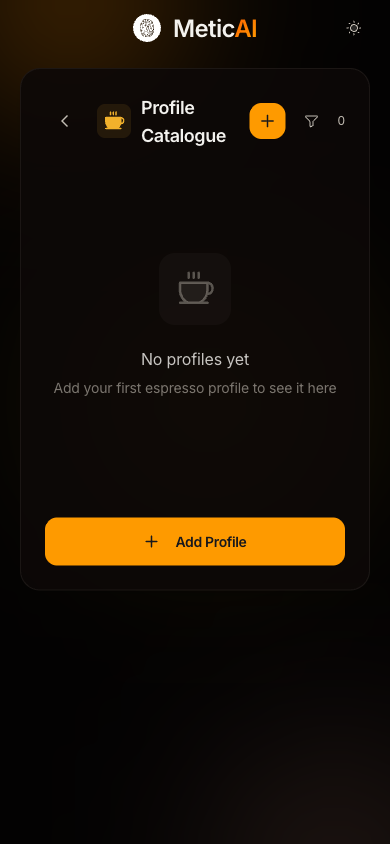
Full catalogue with sync, rename, export, and orphan detection. Edit profiles directly — temperature, dose, and variables.

Control Center

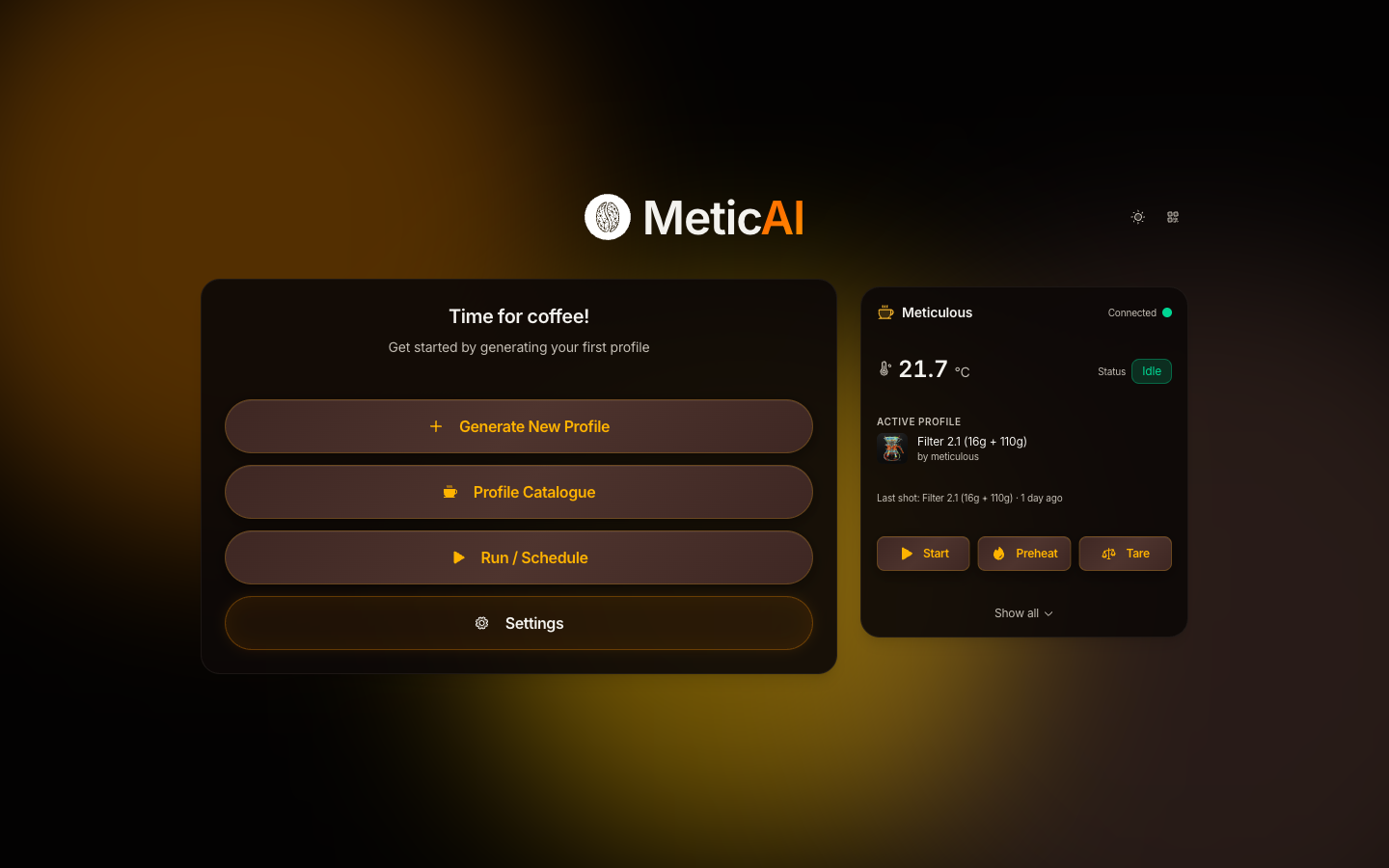
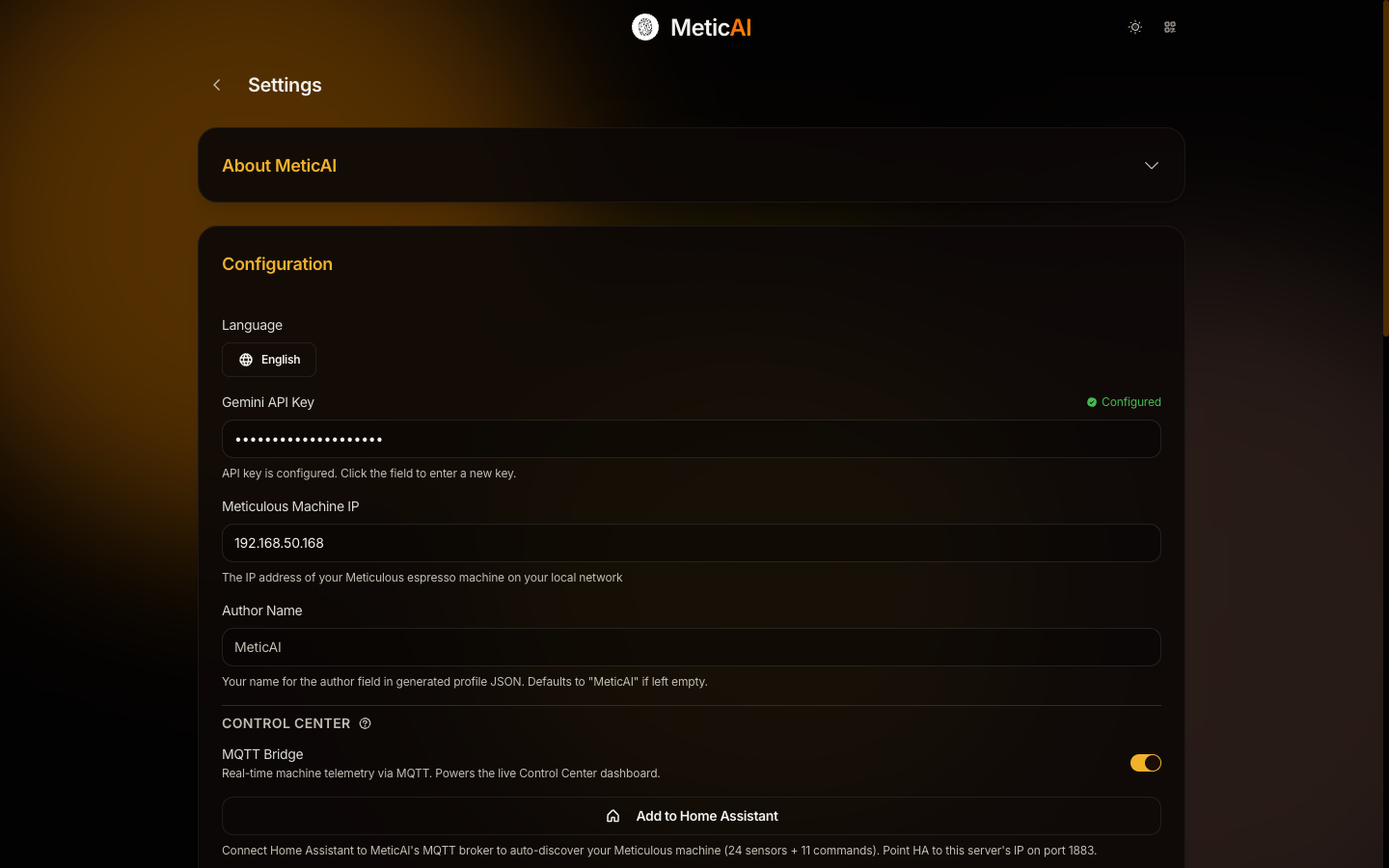
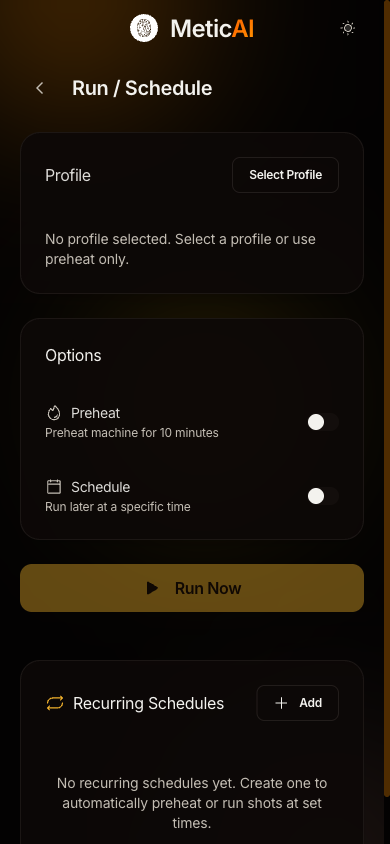
Real-time temperature, pressure, and flow telemetry via MQTT. Start, stop, preheat, tare, and purge from any device.

Shot Annotations New

Rate every shot with stars and add markdown notes. Build a personal tasting journal linked to your shot data.

Machine Auto-Detect New

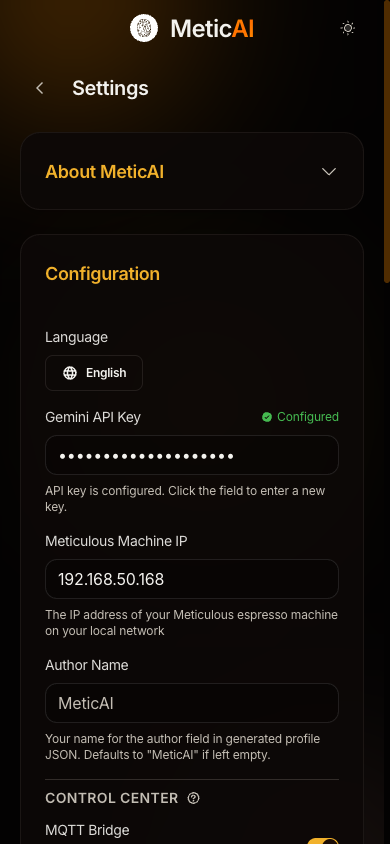
Automatic mDNS/Zeroconf discovery finds your Meticulous on the network. No manual IP entry needed.

Home Assistant

Built-in MQTT with auto-discovery. 24 sensors and 11 commands appear in Home Assistant automatically.

What’s New in v3.0.0

A ground-up rearchitecture — one unified Bun binary, native iOS Live Activities and home-screen widgets, and richer live telemetry.

Unified Single-Binary Core

The five-service Python/s6 stack is gone, replaced by a single distroless Bun process serving the web UI, API, machine proxy, and live telemetry — smaller, faster, simpler to run.

iOS Live Activities

Watch your shot unfold live on the Lock Screen and Dynamic Island — heating ETA, real-time pressure, flow and weight, and a completion summary that lingers after the pour.

Home-Screen Widgets & Control Center

Favourite profiles and a Control Center widget with live scale weight, one-tap deep links, and open-on-start — your machine, a glance away.

Separated Live & History Graphs

Toggle combined or per-metric small-multiple charts across Live View, single-shot, and comparison views — with scrubbing, target overlays, and brew-head temperature.

Auto-Start & Profile Sharing

Shots auto-start once temperature stabilises, and profiles import straight from Met Profiles links, direct URLs, or the native iOS/Android share sheet.

Shared Native Core

AI analysis, profile generation, and dial-in logic now live in one @metic/core package shared by the server and the native apps — identical behaviour everywhere, no duplicated code paths.

See It in Action

How It Works

MeticAI runs on a small computer in your home — like a Raspberry Pi, Mac, or Windows PC — and creates a private web app just for you.

1

Install

Run a one-line Docker installer on Linux, macOS, or Windows (WSL2). Everything starts automatically in a single container.

2

Open the App

Access MeticAI from any phone, tablet, or computer on your home network. No app store — just your browser.

3

Snap & Brew

Take a photo of your coffee, pick taste tags, and let the AI create a tailored profile uploaded to your machine.

4

Control & Automate

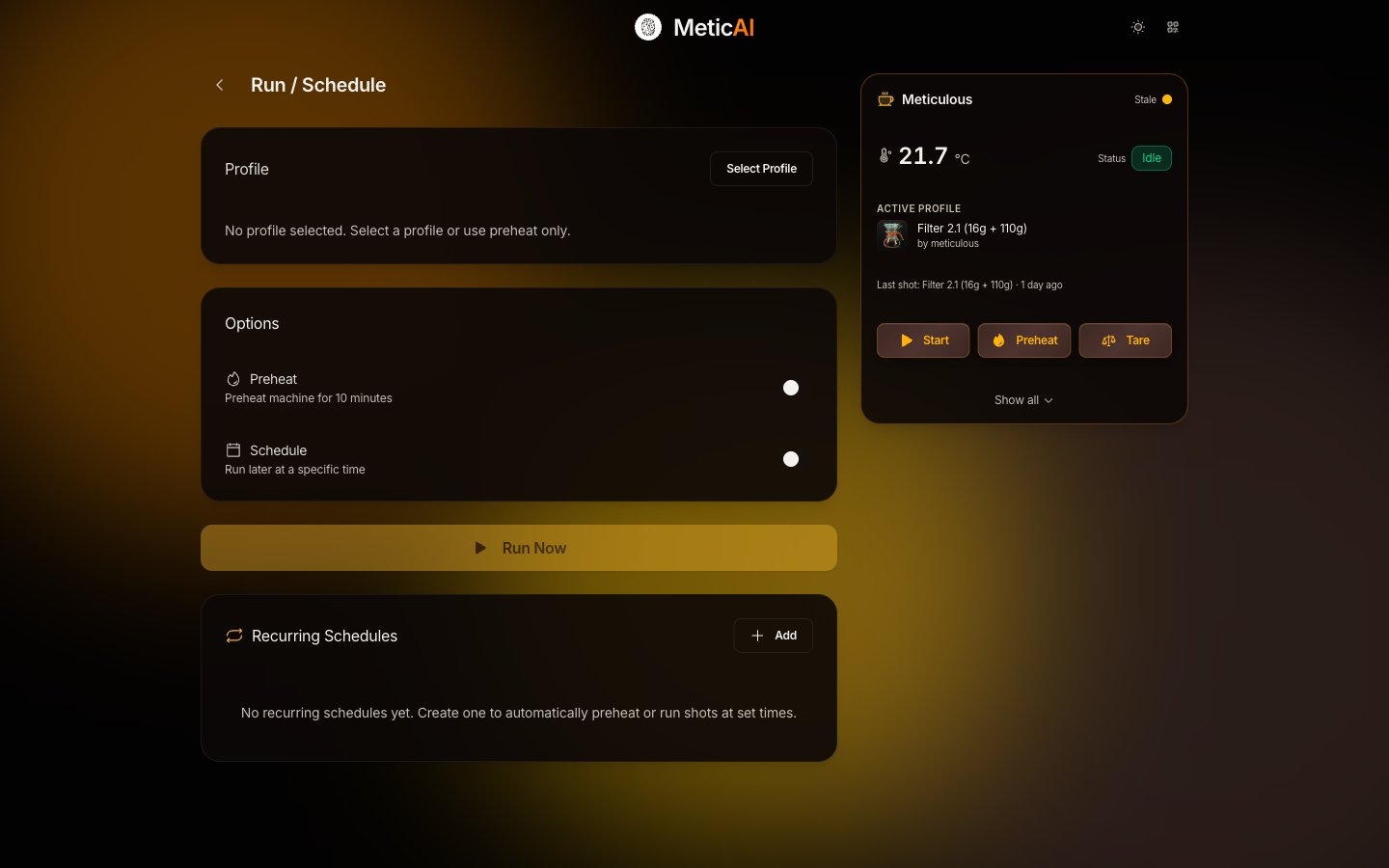
Use the Control Center, schedule preheats, or integrate with Home Assistant and iOS Shortcuts.

Why I Built This

The potential was (and is) basically limitless — my knowledge and time not so.

When I got my Meticulous, after a loooong wait, I was overwhelmed with the options — dialing in was no longer just adjusting grind size, the potential was (and is) basically limitless — my knowledge and time not so.

MeticAI is a growing set of AI tools to enable me, and you, to get the most out of a Meticulous Espresso machine. Among other things it lets you automatically create espresso profiles tailored to your preferences and coffee at hand, understand your espresso profiles and shot data like never before, and ultimately — lets you unleash your Meticulous.

Jesper, coffee nerd and MeticAI creator

Get Started in 5 Minutes

What You Need

  • A Meticulous Espresso Machine connected to your network
  • A server to run MeticAI (Raspberry Pi, Mac, Linux, or Windows PC)
  • A free Google Gemini API key → Get yours here

Installation

One-line Docker install for Raspberry Pi, Linux, macOS, and Windows (WSL2):

curl -fsSL https://raw.githubusercontent.com/hessius/MeticAI/main/scripts/install.sh | bash

Checks prerequisites, pulls the Docker image, and starts the container automatically.

Credits & Acknowledgements

MeticAI is built on the excellent Meticulous MCP by twchad, meticulous-addon by nickwilsonr, and pyMeticulous by the Meticulous team.

Built With

  • Google Gemini — Vision AI
  • Bun — Unified server & core
  • React + TypeScript — Frontend
  • Docker — Distroless single binary
  • Capacitor — Native iOS & Android apps
  • Socket.IO — Live telemetry

MeticAI is open source and welcomes contributions!